Kaitlin Thaney asked on Twitter last week about using Ramnath Vaidyanathan's new interactive R notebook 1 2 for teaching.
Liking the look of interactive R notebook by @ramnath_vaidya. Any success stories in using to teach? http://t.co/wmVuFM2Rst (HT @_inundata)
— Kaitlin Thaney (@kaythaney) July 9, 2013
Now, to be clear up front, I am not trying to be mean to Ramnath, discredit his work, or the effort that went into that project. I think it is really cool, and has some rather interesting potential applications, but I don't really think it is the right interface for teaching R. I would argue that the best interface for teaching R right now is RStudio. Keep reading to find out why.
iPython Notebook
First, I believe Ramnath when he says he was inspired by the iPython Notebook that makes it so very nice to do interactive, reproducible Python coding. Software Carpentry has been very successfully using them for helping to teach Python to scientists.
However, the iPython Notebook is an interesting beast for this purpose. You are able to mix markdown blocks and code blocks. In addition, it is extremely simple to break up your calculations into units of related code, and re-run those units as needed. This is particularly useful when writing new functions, because you can write the function definition, and a test that displays output in one block, and then the actual computations in subsequent blocks. It makes it very easy to keep re-running the same block of code over and over until it is correct, which allows one to interactively explore changes to functions. This is awesome for learning Python and prototyping functions.
In addition to being able to repeatedly write -> run -> modify in a loop, you can also insert prose describing what is going on in the form of markdown. This is a nice lightweight syntax that generates html. So it becomes relatively easy to document the why of something.
R Notebook
Unfortunately, the R notebook that Ramnath has put up is not quite the same beast. It is an Ace editor window coupled to an R process that knits the markdown and displays the resultant html. This is really cool, and I think will be useful in many other applications, but not for teaching in an interactive environment.
RStudio as a Teaching Environment
Lets think. We want something that lets us repeatedly write -> run -> modify on small code blocks in R, but would be great if it was some kind of document that could be shared, and re-run.
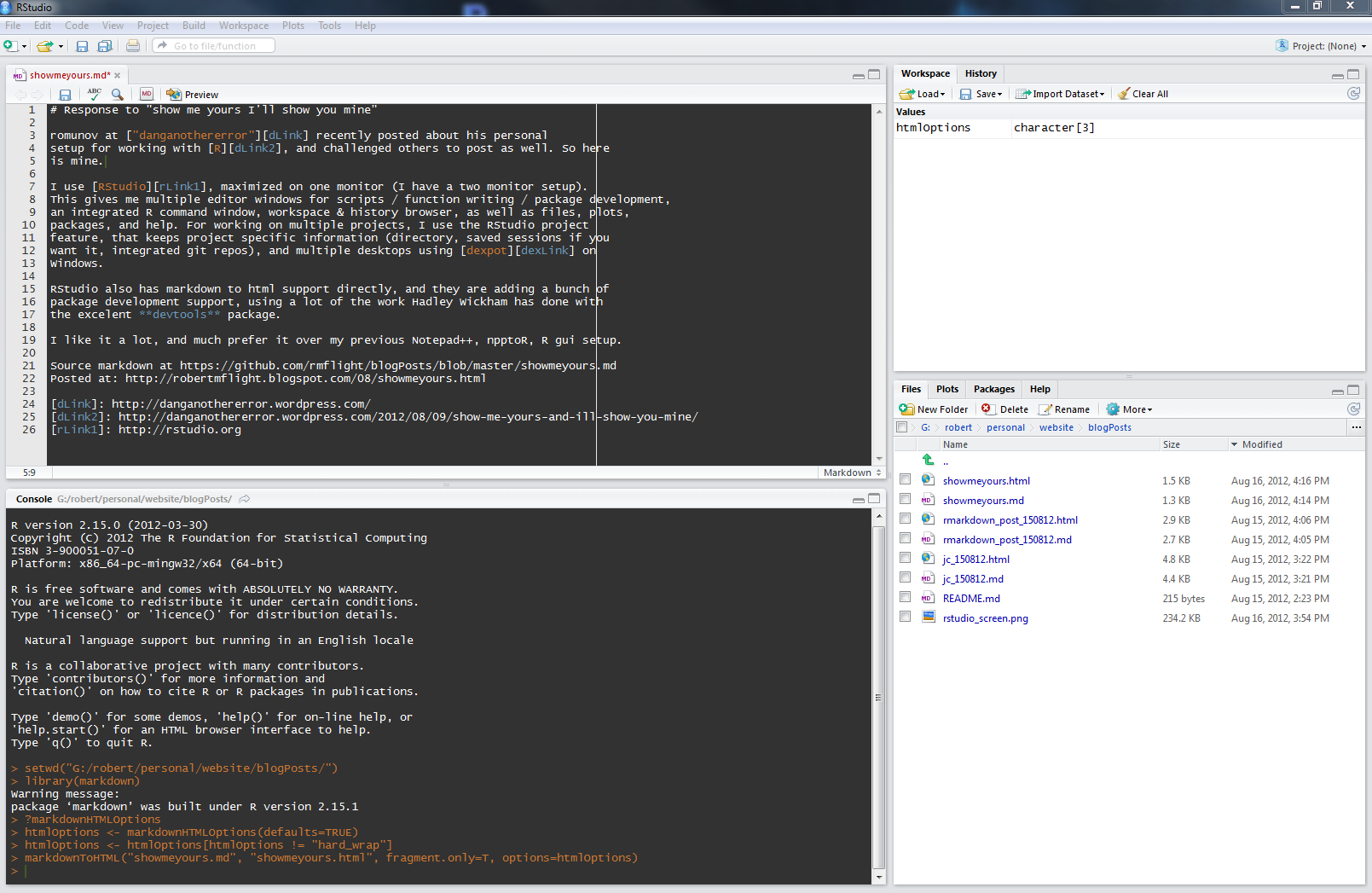
I would argue that the editor environment in RStudio when writing R markdown (Rmd) files is the solution. R code blocks behave much the same as in iPython notebook, in that they are colored differently, set apart, have syntax highlighting, and can be easily repeatedly run using the code chunk menu. Outside of code blocks is assumed to be markdown, making it easy to insert documentation and explanation. The code from the code blocks is sent to an attached R session, where objects can be further investigated if required, and results are displayed.
This infrastructure supplies an interactive back and forth between editor and execution environment, with the ability to easily group together units of code.
In addition, RStudio has git integration baked in, so it becomes easy to get started with some basic version control.
Finally, RStudio is cross-platform, has tab completion among other standard IDE goodies, and its free.
Feedback
I've gotten some feedback on twitter about this, and I want to update this post to address it.
Hard to Install
One comment was that installing R, RStudio and necessary packages might be hard. True, it might be. However, I have done multiple installs of R, RStudio, Python, and iPython Notebook in both Linux and Windows, and I would argue that the level of difficulty is at least the same.
Moving from Presentation to Coding
I think this is always difficult, especially if you have a powerpoint, and your code is in another application. However, the latest dev version of RStudio (download) now includes the ability to view markdown based presentations in an attached window. This is probably one of the potentially nicest things for doing presentations that actually involve editing actual code.
Edit: added download links for Rstudio preview